
How to disable users on TREX?
This tutorial explains how to disable an existing user in User Management to remove their access.
Disable a user account
- Go to Administration ➡️ User Management

- Scroll to the right of a user ➡️ Click on the pen icon

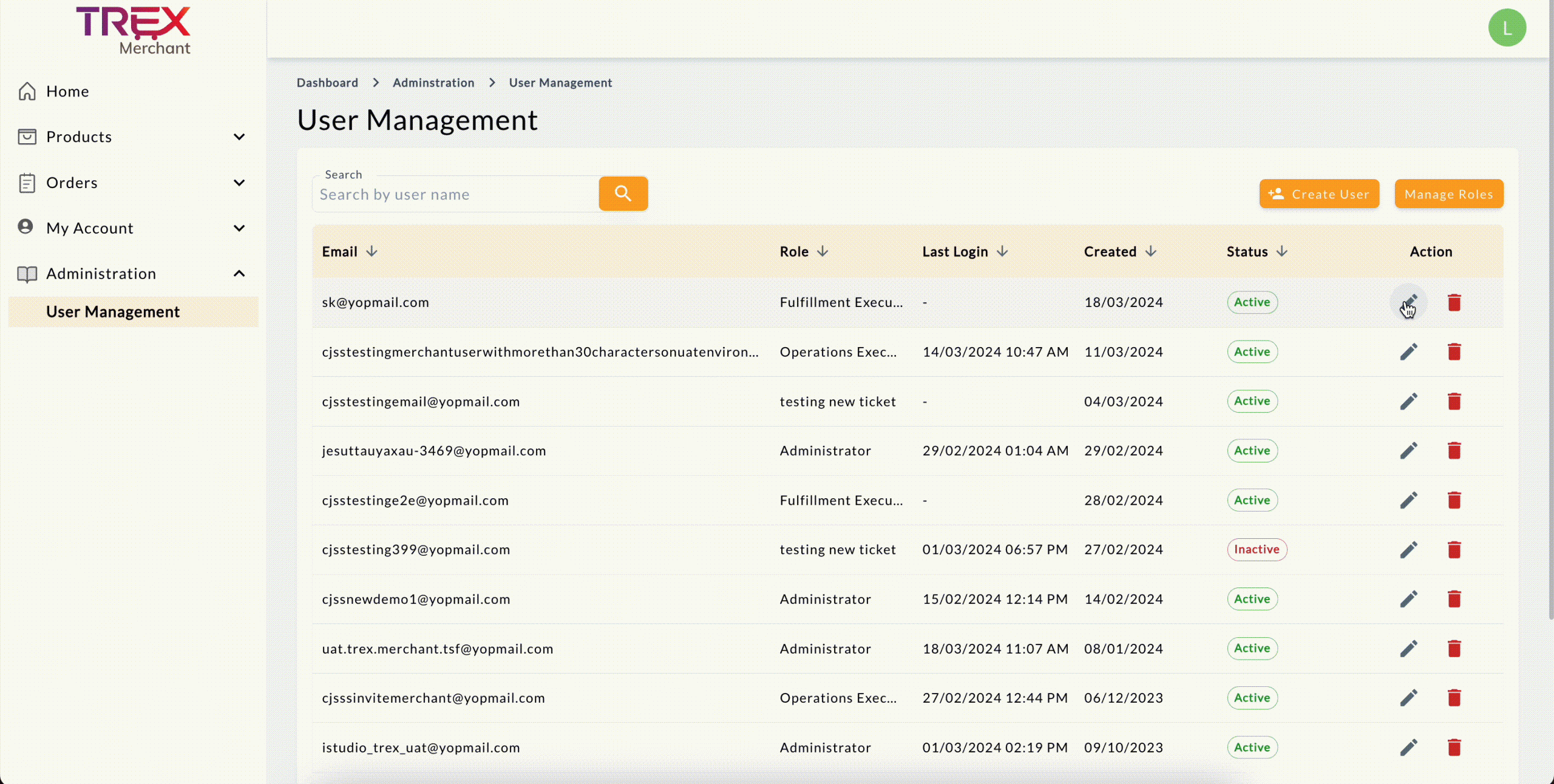
- Toggle the User Status button off. It will be greyed out.


- Once done, click + Save 💡 In the User Management list, user status will be changed to Inactive.
