
How to publish a promotion
This tutorial explains how to publish a promotion once setup is complete and activate your promotion in the system.
📝 Note: Promotion status must be Unpublished before you can proceed with these steps.
How to publish and activate your promotion
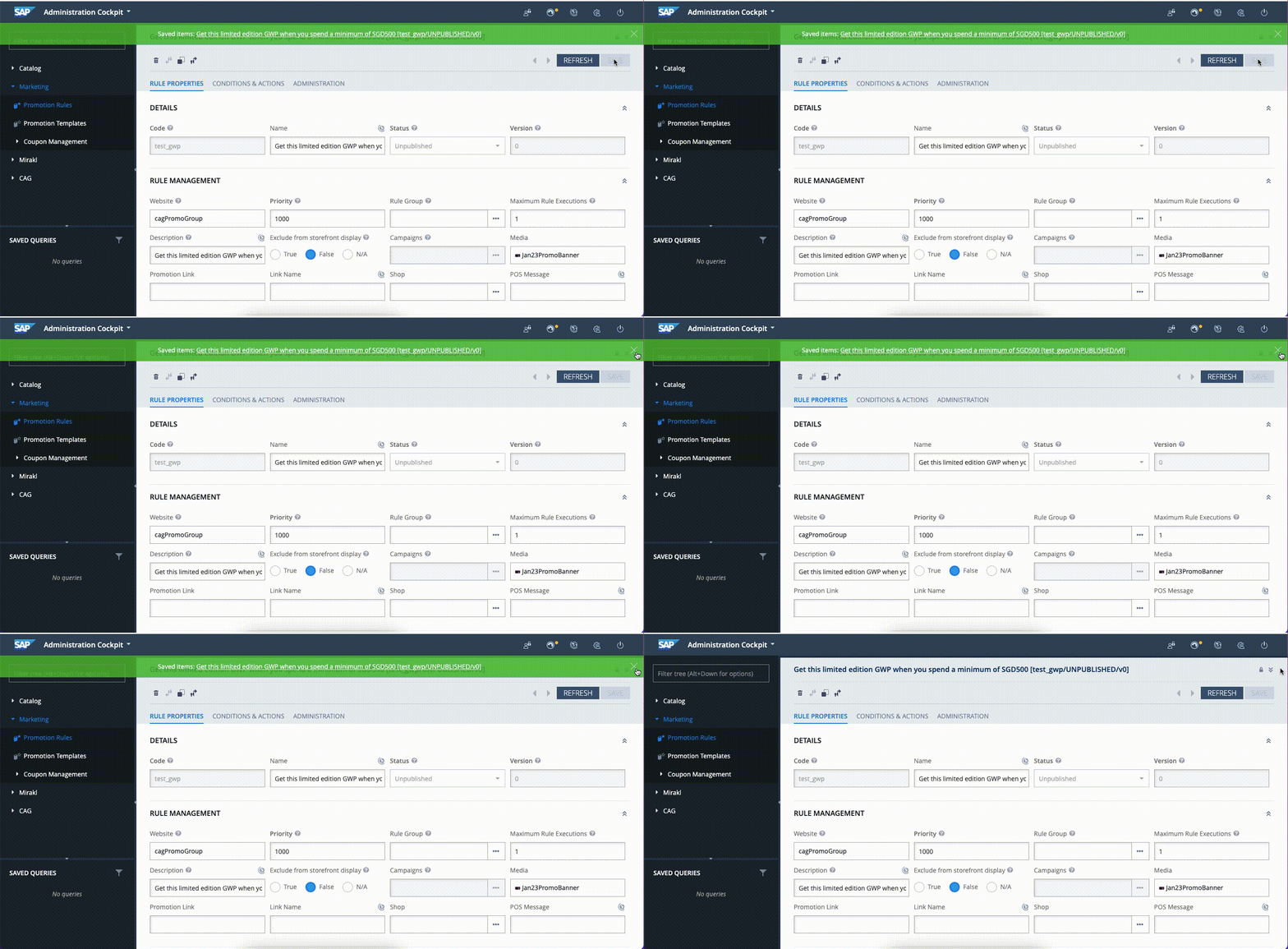
- Save your changes
- Click on the Publish Promotion Rule For Module ➡️ OK
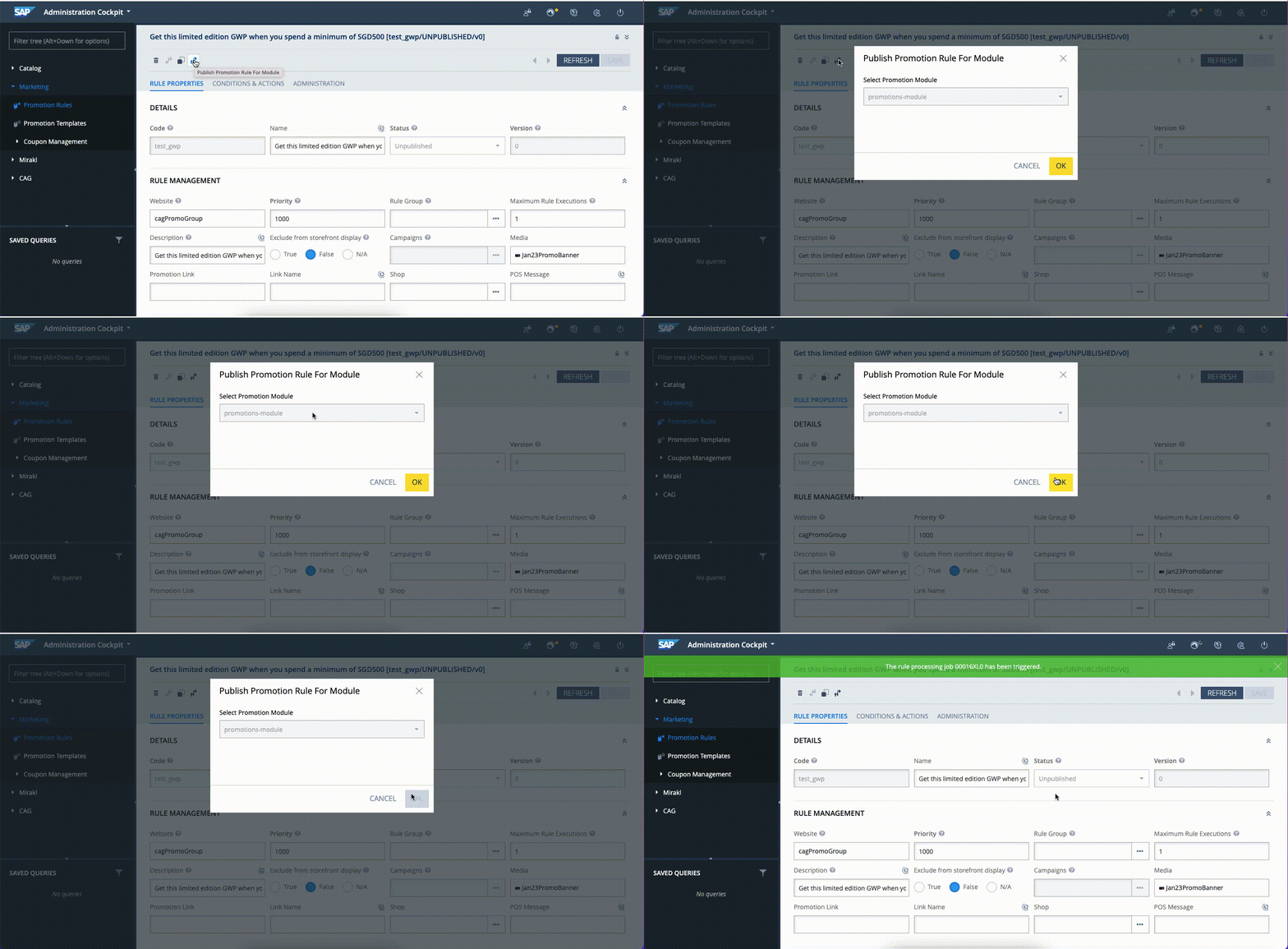
💡 The status will change to Published shortly.