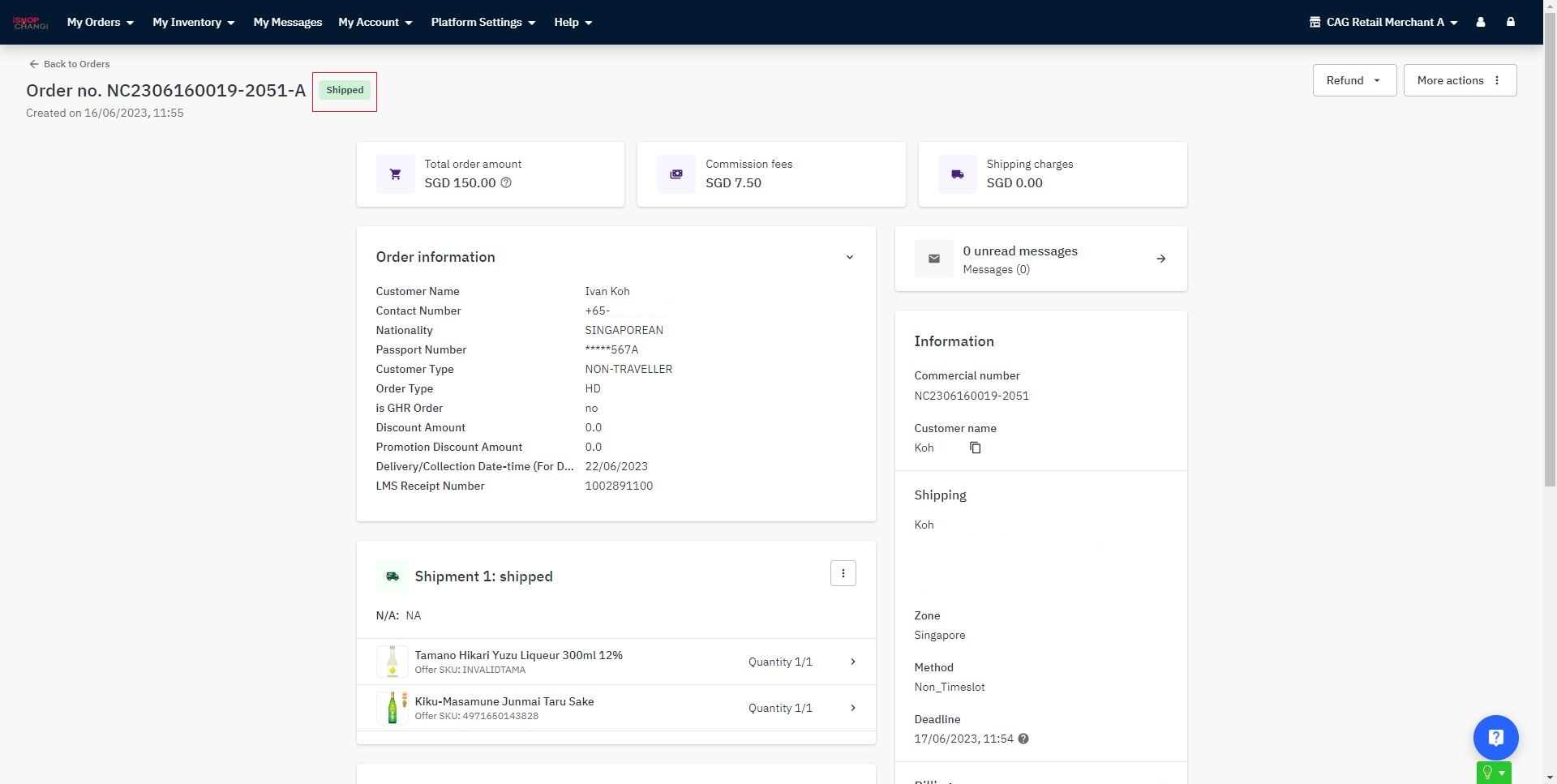
Consol Mode - HOME DEL Order
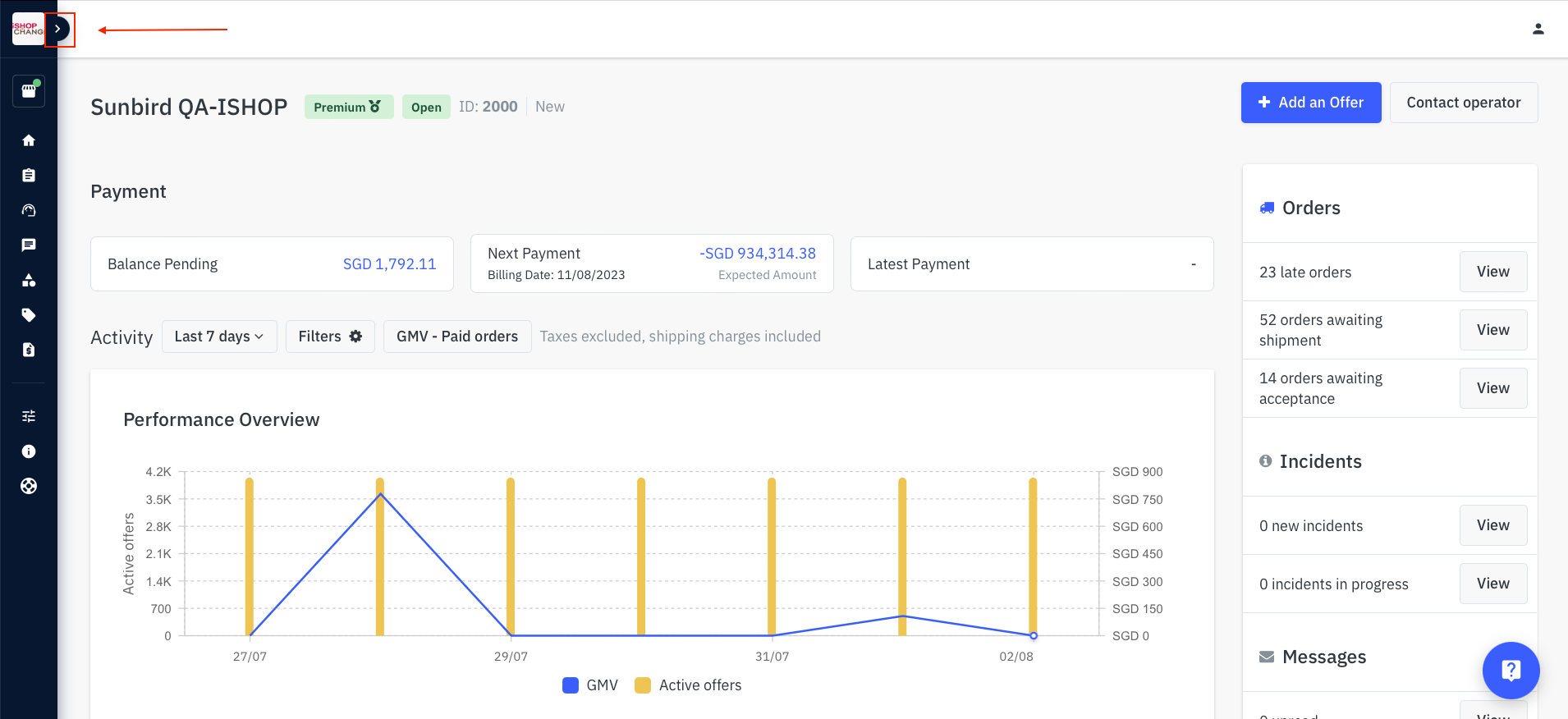
- Expand the sidebar on the left-hand side
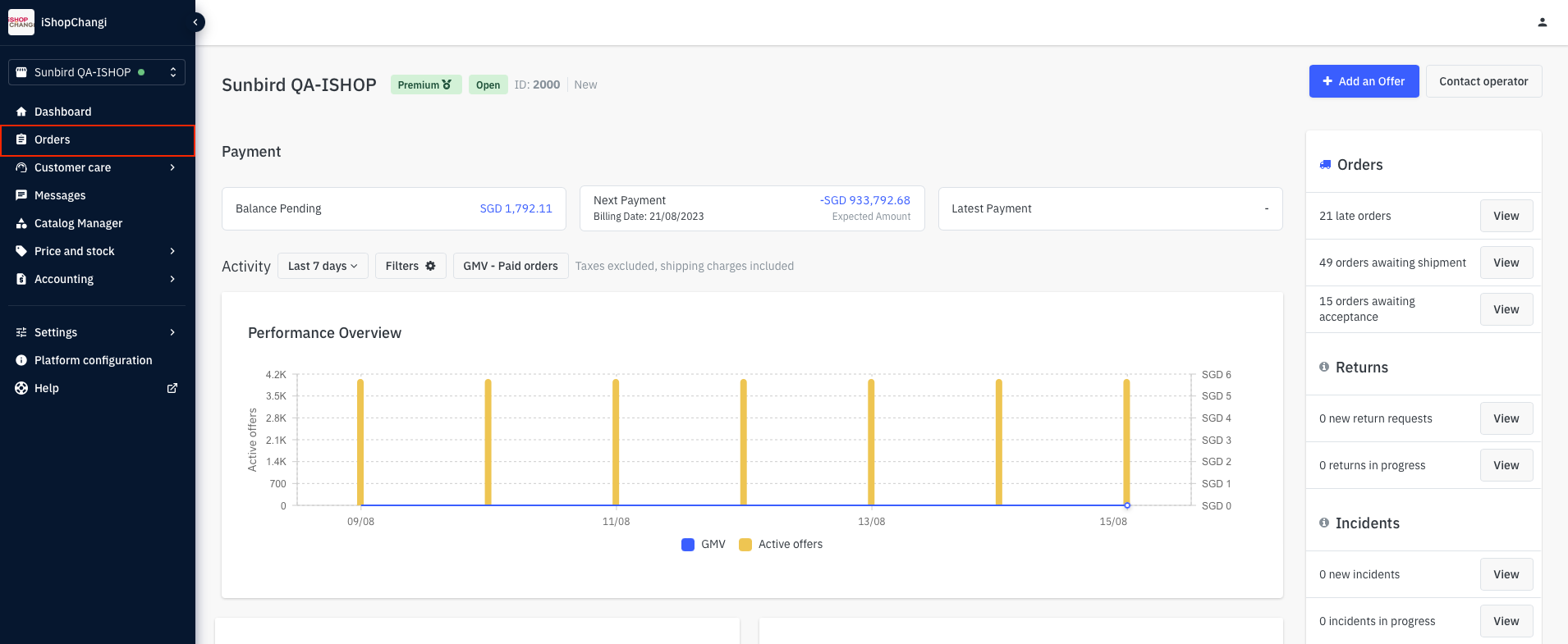
- My Orders
- Select an order e.g., NCXXXXXXXXXX or NSXXXXXXXXXX.

- 💡Order status is Awaiting Shipment.
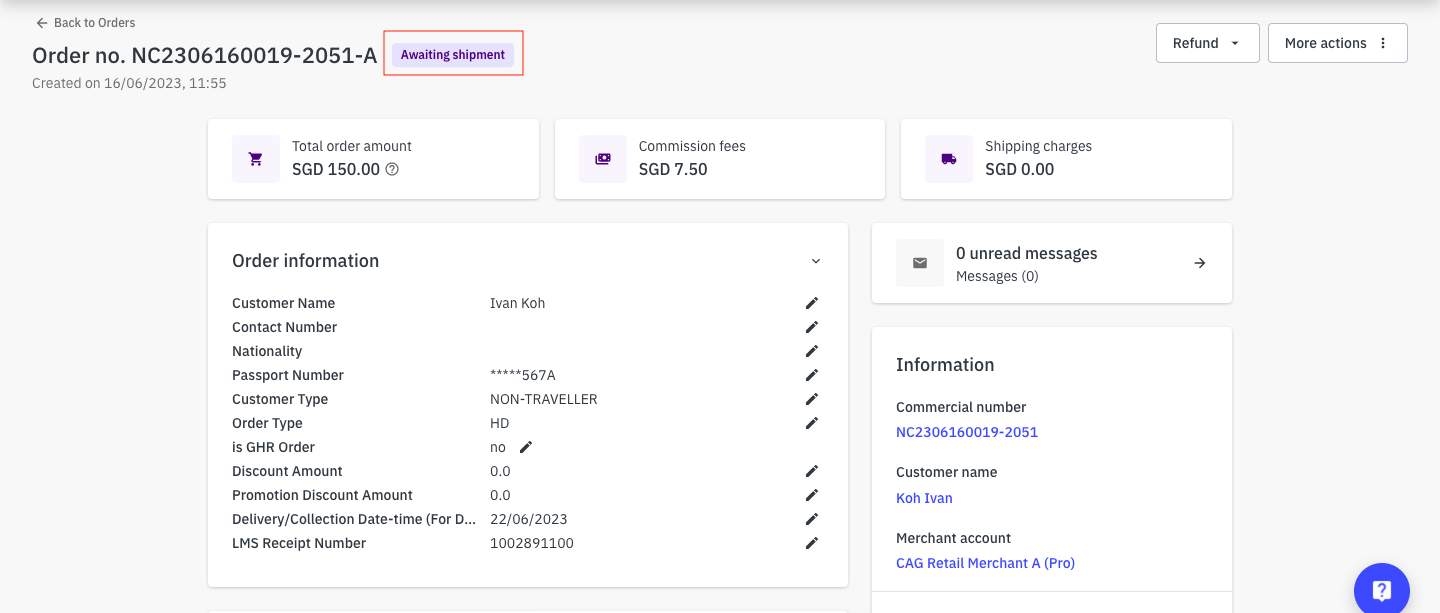 Identify the item(s) purchased and check if you have sufficient stocks to fulfill the order. If yes, click on Marked as shipped
 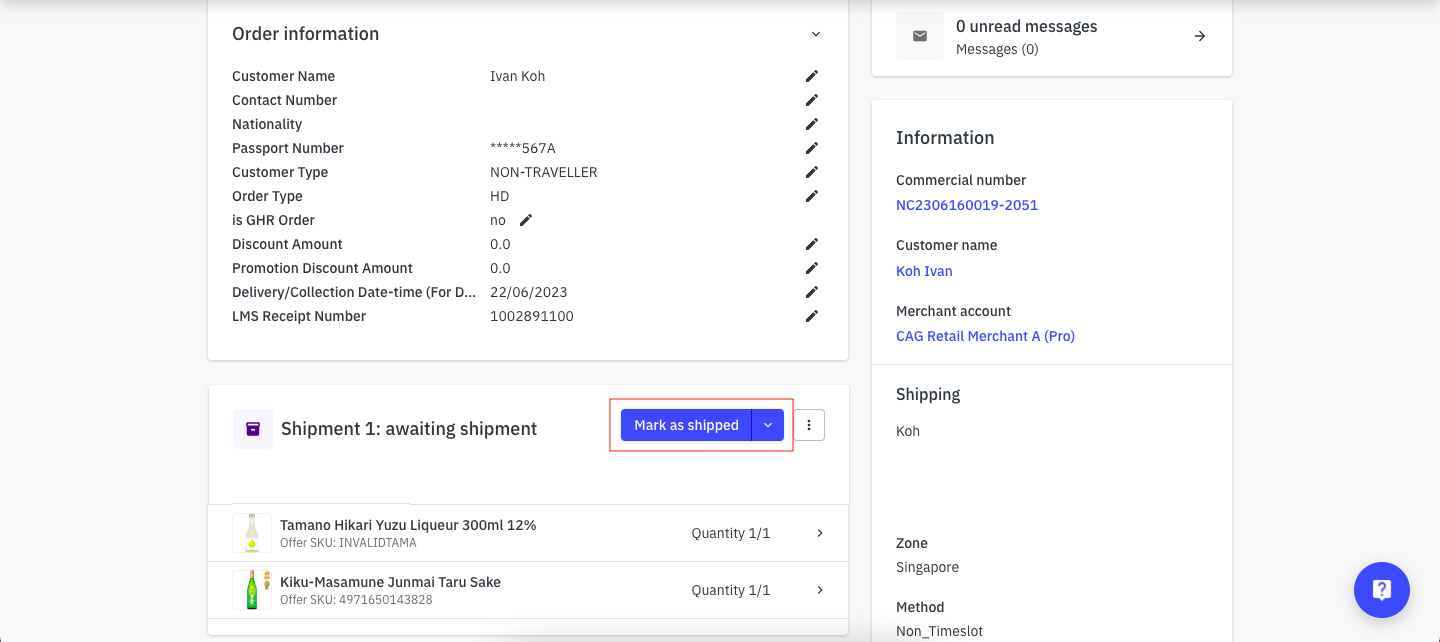 💡Order status will now change to Shipped