
Enable the Staff Exclusive Setting
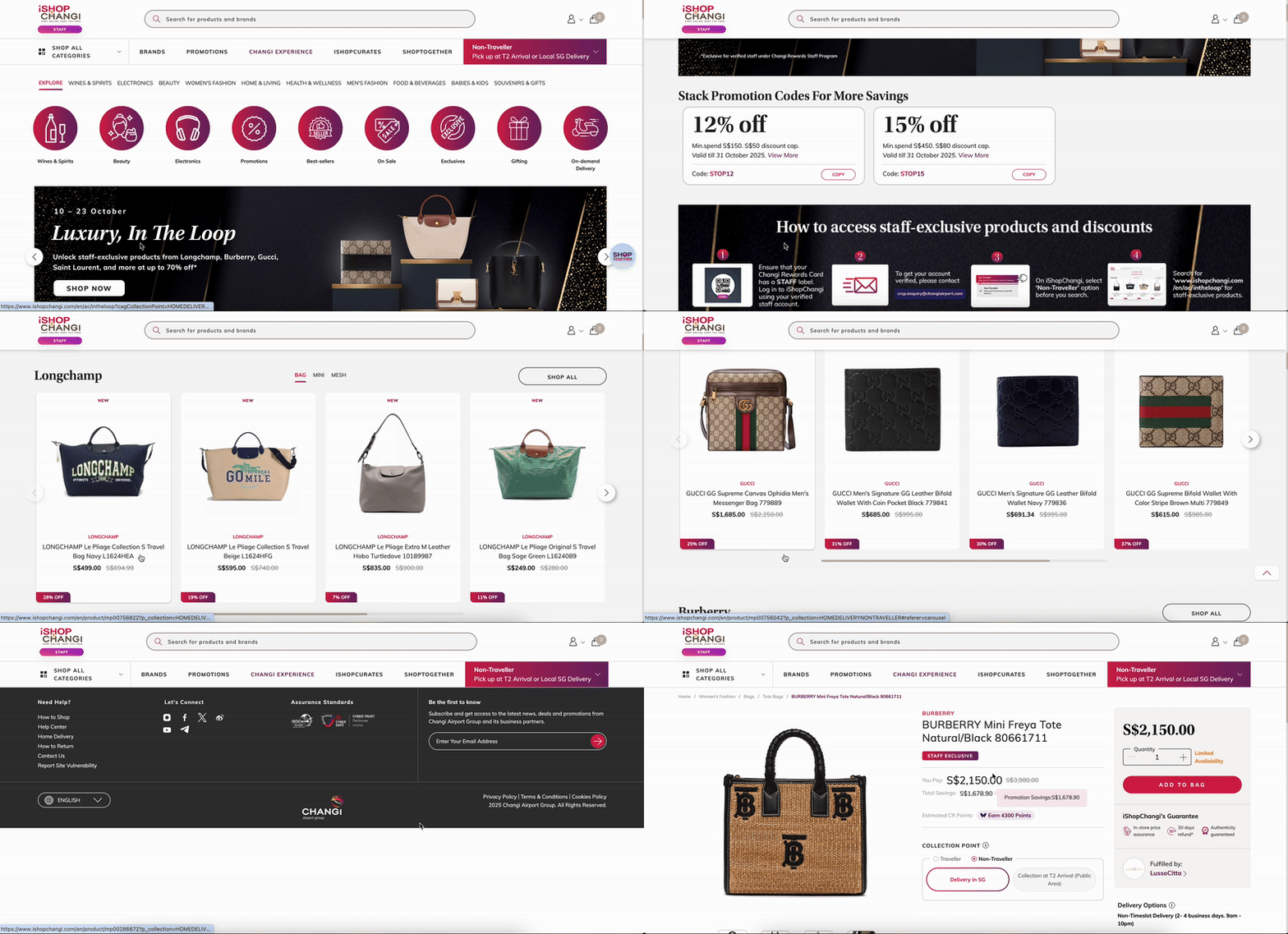
Easily create product listings visible only to verified Changi Rewards Staff Members. This new feature lets you mark items as Staff Exclusive in TREX or via bulk Excel upload – ideal for running private staff sales, managing past-season products, or clearing aged inventory within a closed group of 70,000+ airport staff.
Individual Update
- Products ➡️ My Products
- Search for the product that you would like to edit.
- Click on the Product Name

- In the Generic Attributes tab ➡️ Click on the pen icon to edit

- Scroll to the Generic Attributes section ➡️ Click into the Staff Exclusive field ➡️ Select Yes


- Once done, click on Save & Proceed to Unique Attributes ➡️ click on the Category Attributes tab ➡️ Submit


Mass Update
- Products ➡️ My Products
- Select products to update. Click on Generate export file ➡️ Download last generated export file
- Under the Staff Exclusive field ➡️ Select Yes.

- Products ➡️ Add New Products ➡️ Bulk Upload of Multiple Products

- Scroll down to Uploaded Templates section, upload the file or drop it within the box.
 Click on Upload New Template💡 Please check the File Import section below to see the upload status!
- Under Status, please check for Lines with Errors. If there is an error, please download the error report to see what the error was. Make the necessary edits and try to re-import the file.